Share research
Research is easier to use when the handoff matches the reader. Someone deciding whether to adopt a method may need the polished result. A collaborator taking over the investigation may need the decisions, failed attempts, and open questions too.
Silico gives you both:
- A report is the focused handoff: the result, evidence, limitations, and recommendation.
- A thread is the research handoff: the conversation, plans, experiments, reports, and how the interpretation developed.
When in doubt, start with the report. It asks less of the reader. Share the thread when the history changes how the work should be understood or continued.
Choose the surface before the access level
Imagine you have finished an experiment on model confidence.
Send the report to a product lead who needs the conclusion and its limits. Send the thread to a researcher who will design the next experiment. If the researcher only needs one prior result, attach that report to a new thread instead of handing over months of unrelated discussion.
This choice is about information, not permission. After you choose the surface, decide who should be able to open it.
Choose who can open it
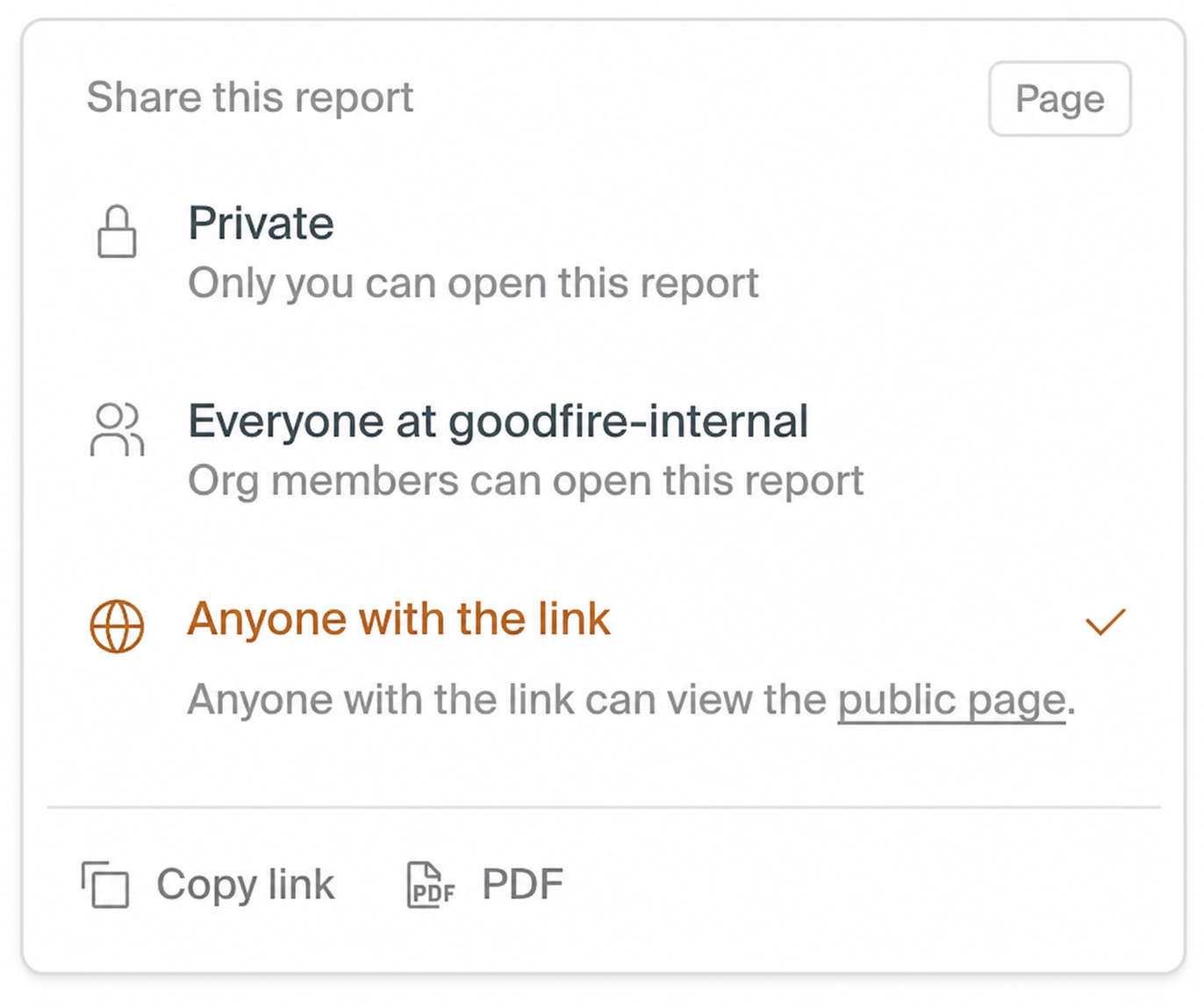
Reports support three access levels:
| Access | What the reader sees |
|---|---|
| Private | Only you can open the report. |
| Everyone at your organization | Organization members see the current report in Shared Reports. |
| Anyone with the link | Silico publishes a saved version to a public page. |
Organization sharing stays current as the working report changes. A public page stays on its saved version until you publish an update. That separation gives you room to revise without quietly changing the evidence an external reader already saw.
Use Private while the report is still being reviewed. Use organization access for internal knowledge that should stay current. Use a public link when the report is ready to stand on its own outside the Lab.
Share a report
Before sharing, read the report as if you had not watched the experiment. A useful standalone report names the question, identifies the model and data, explains the main evidence, and makes important limitations hard to miss.
Open the report, choose the access level, and then choose Copy link.
Readers can follow report references only when they also have access to the source thread or experiment. A public report should therefore explain enough to remain useful when those private references cannot be opened.
See Shared Reports for finding and reusing reports.
Share a thread
Open a thread and choose Copy link. The shared view stays current as the source changes, making it useful for collaborators who want to follow the research rather than see only the latest output.
Because the thread includes the conversation and attached context, read its Timeline before sharing outside the immediate team. A thread may contain dead ends, operational detail, or sensitive context that never appeared in its final report.
Review a shared thread
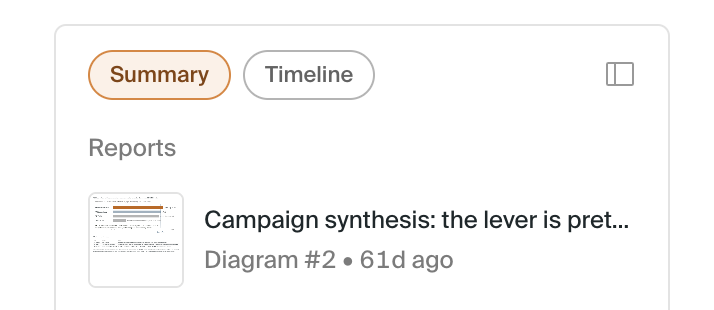
A shared thread is read-only. Viewers can begin with Summary, follow the full Timeline, open experiments, and inspect reports available through that record.
They cannot send messages, steer work, change the source, or inherit private credentials and compute. This makes a shared thread useful for review without turning it into a second collaborative workspace.

After an authenticated viewer opens a link, the thread appears under Shared with you in their sidebar for later access.
Continue from shared work
If shared work gives you a new question, use the continuation composer to create your own thread with the source attached as context.
Your new thread is independent, so you can explore a different direction without changing the source. Begin by stating what you accept from the earlier work and what you want to test again:
Treat the shared report's baseline as prior evidence. Repeat the intervention on our newer checkpoint, and keep the original metric so the results remain comparable.
Sharing access and research context are different
Sharing controls who can read a report or thread. It does not automatically make that material available to Silico in someone else's work.
To use earlier work in a new thread, attach the report or thread as context. Silico receives a read-only reference to the work you selected; it cannot browse unrelated threads for additional context. This explicit boundary keeps a convenient prior result from becoming an invisible assumption in new research.
Access to connected context
Sharing does not grant access to settings, credentials, repositories, private data, models, storage, or compute.
To continue, connect the required resources in the new environment and state any changed model, data, checkpoint, split, metric, or compute setup. A reader may understand the conclusion perfectly and still be unable to reproduce it until those dependencies are available.
Make the handoff kind to the next reader
Before copying a link, check three things:
- The title says what the work is about.
- The opening makes the result and its boundary clear.
- The chosen access level matches the audience you actually intend.
Good sharing is not just access control. It is the last step in making research legible to someone who was not there when it happened.