Run your first experiment
This walkthrough follows one investigation from an initial question to a report.
The example uses hallucination prediction:
Ask → plan → run → inspect → follow up
You can use the default settings for this walkthrough.
1. Start a thread
Choose New thread and describe what you want to learn.
I want to understand whether a small set of internal features can predict when this model hallucinates.
Add the model, data, success measure, and any compute or time limits. Attach a model, dataset, repository, report, or paper when the experiment requires it.
You might continue:
Use the attached evaluation set, keep its held-out split untouched, and produce a short report that shows whether the signal transfers across domains.
With Auto-accept enabled, plans and questions proceed after their review windows unless you pause them.
2. Review the plan
Confirm the model and checkpoint, dataset and split, metric, controls, expected report, compute footprint, and stopping conditions. Open an input chip whenever identity or provenance is unclear.
Comment on a passage for a local correction. Reply in the thread when the plan reveals that the overall question or direction should change.
3. Launch and follow Timeline
Choose Launch experiment. The plan becomes a separate experiment, and Timeline records progress, decisions, deviations, and reports.
You can leave the experiment running and return later. You do not need to watch it continuously. If Silico needs a decision, it appears in Timeline with the surrounding context.
For example, if a control fails, you can limit the next action:
Stop before the full sweep. Debug the control on 20 examples and keep the current outputs so we can compare them after the fix.
Change research direction through the thread; use Worker only for an immediate execution correction.
4. Inspect the report
The report contains the result and links to its sources. Open Timeline, Plan, Code, Compute, or Metrics for the corresponding execution details.
When the experiment completes, start with Reports for the conclusion. Use Timeline to understand how the work developed and Code to inspect the files behind it.
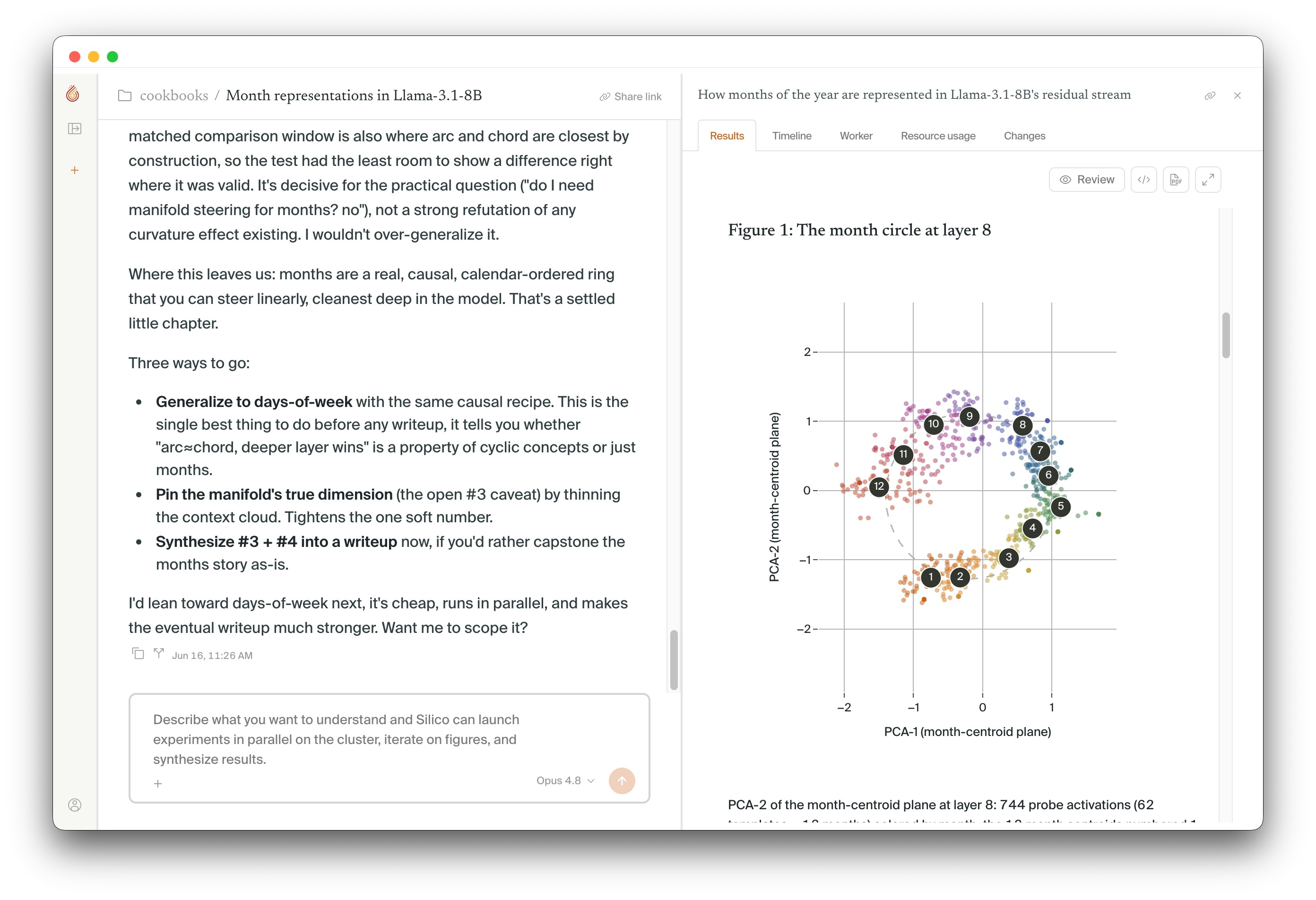
Copy the report link when someone needs the output. Copy the thread link when they need the full research record.
5. Continue the loop
Return to the thread's Summary to see its current synthesis, active work, and recent reports. Continue in the same thread when a follow-up depends on this evidence. A new plan creates a separate experiment.